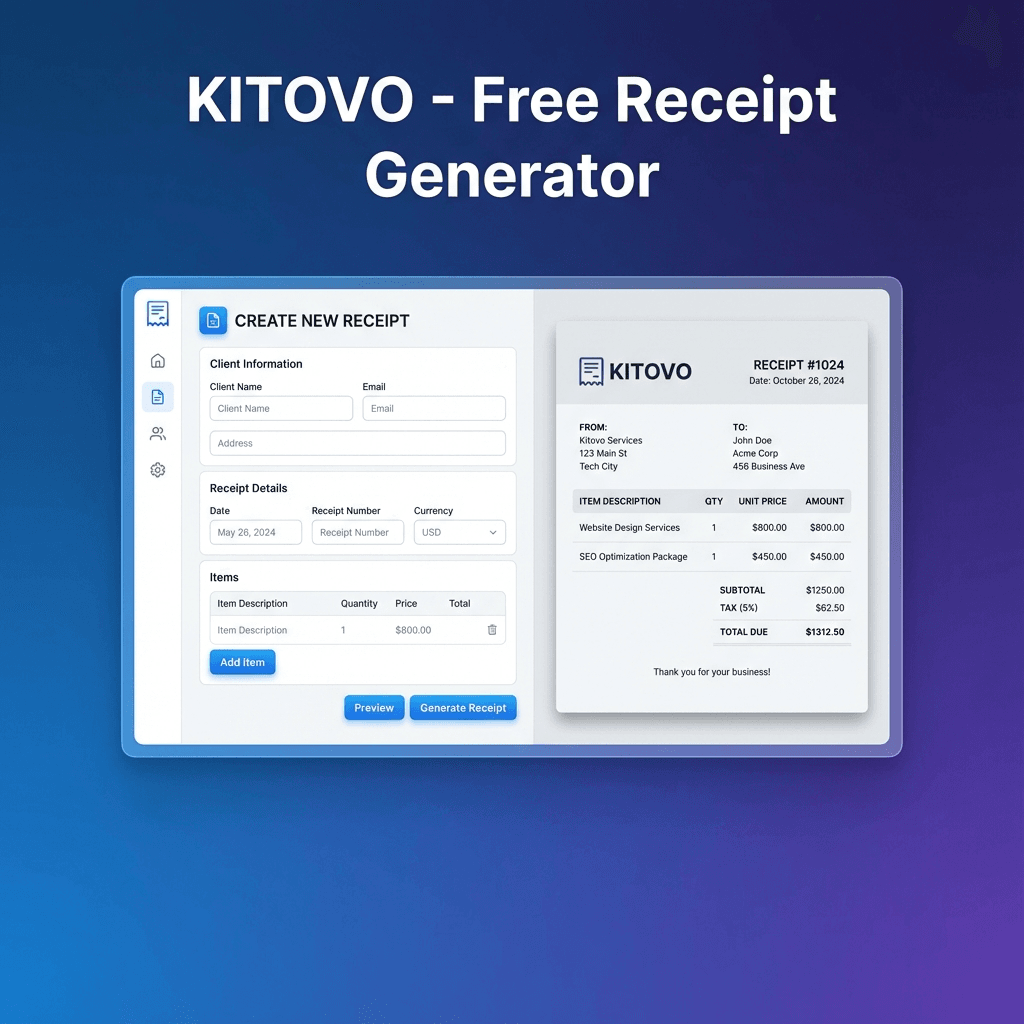
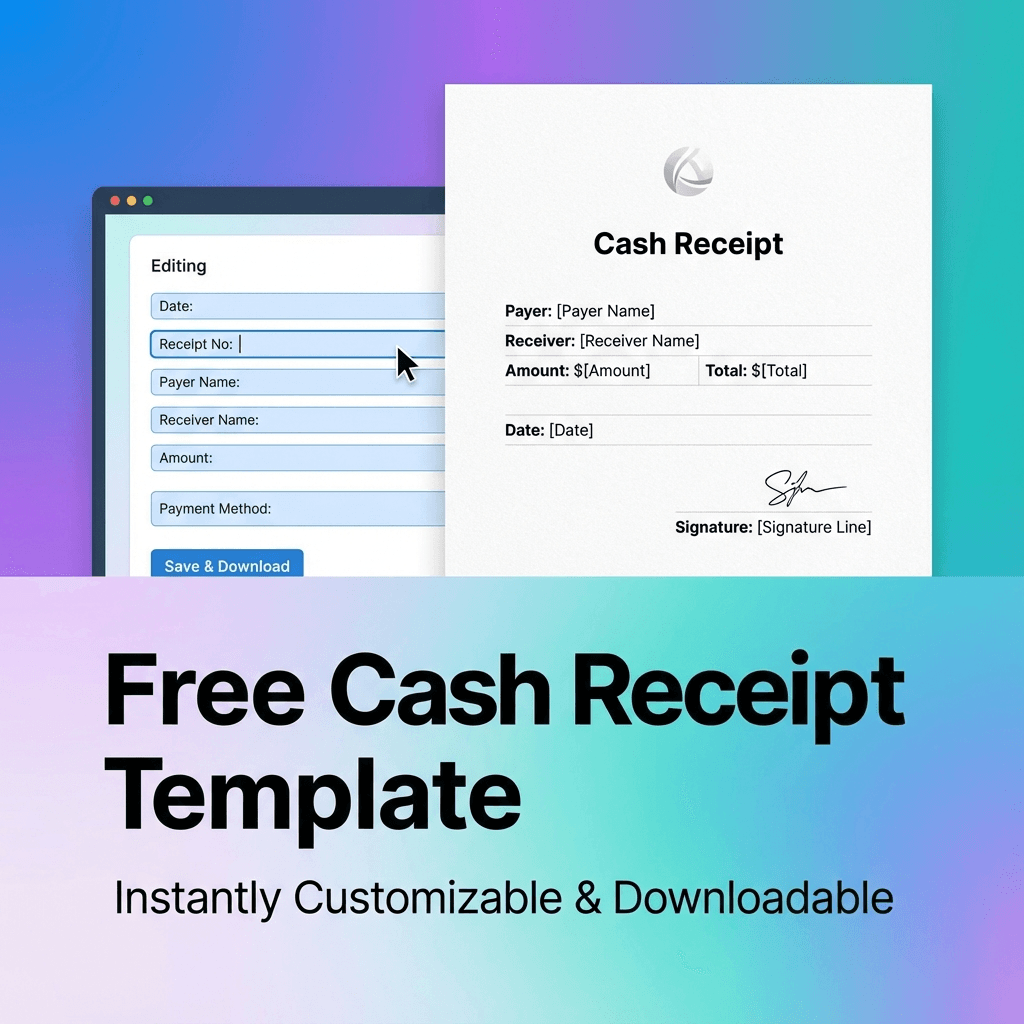
100% Free · No Sign-up Required

Free Receipt Generator

Create professional PDF & PNG receipts in seconds

Works offline · Multi-currency · Custom logos

10K+
Receipts Created
4.8★
User Rating
15+
Currencies
No Watermarks Clean exports
No Account Start instantly
100% Private Data stays local
Works Offline No internet needed
Current: (BDT)
Line Items
Your data never leaves your device. All processing happens locally in your browser.

Export Receipt

What is a Receipt Generator?

Quick overview of this tool

A receipt generator (also called a receipt builder or receipt creator) is an online tool that creates professional receipts for business transactions. It produces a PDF or image that serves as proof of payment between buyer and seller, automating formatting, calculations, and numbering.

This free receipt maker lets you create PDF receipts or PNG images instantly—no account required. Whether you call it a receipt builder, receipt creator, or custom receipt generator, our tool delivers the same result: professional receipts in seconds. Enter your business details, add line items, and download. Useful for payment receipts, proof of purchase, or record-keeping.

EXAMPLES

Receipt Examples

See what you can create with our generator
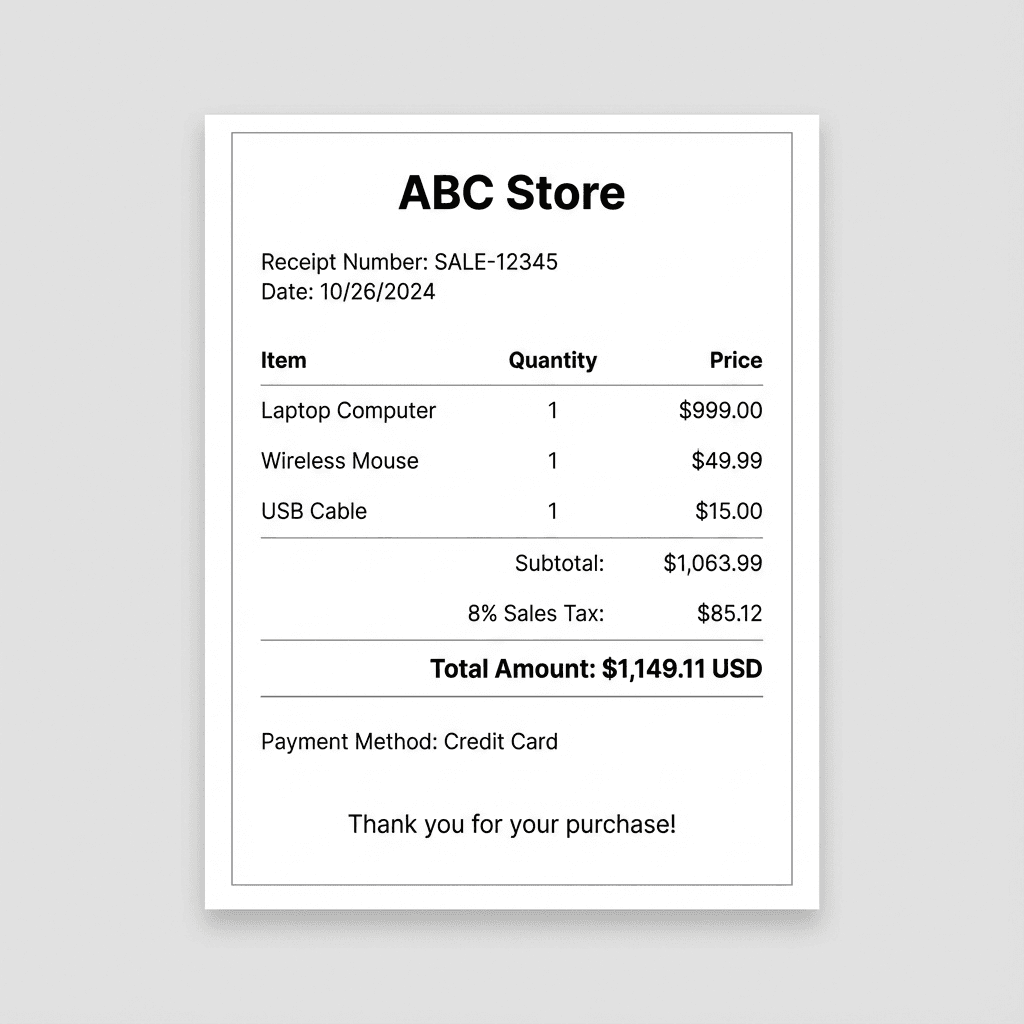
Business sales receipt example - itemized receipt with company logo
Popular
Business Receipt Itemized with logo
Rent receipt example - monthly rental payment documentation
Rent Receipt Monthly payments
Cash receipt example - simple payment confirmation
Cash Receipt Simple confirmation
FEATURES

Everything You Need

Powerful features to create professional receipts in seconds

Most Used

Export Options

Download your receipts in multiple formats

📄 PDF Export
🖼️ PNG Export

100% Private

Your data never leaves your browser. Zero server uploads.

🏢

Custom Logo

Add your company logo for professional branding.

✍️

Digital Signature

Sign digitally or upload a signature image.

💱

Multi-Currency

USD, EUR, GBP, INR, and 15+ more currencies.

📝

Itemized Line Items

Add items with quantities and prices. Perfect for detailed invoices. See examples →

📶

Works Offline

Create receipts without internet after page load.

FEATURE GUIDES

How to Use Key Features

Step-by-step instructions for our most popular features

🏢

Add Your Company Logo

Brand your receipts with your business identity

  1. 1

    Open the Branding section

    In the receipt generator form, scroll to find the "Branding" or "Logo" section.

  2. 2

    Click "Upload Logo"

    Select your company logo file. Supported formats: PNG, JPG, SVG. Recommended size: 200x200 pixels or larger.

  3. 3

    Adjust position and size

    Use the crop tool to adjust your logo's appearance. The logo will appear in the header of your receipt.

  4. 4

    Preview and download

    Check the live preview to see how your branded receipt looks, then download as PDF or PNG.

Pro tip: Use a transparent PNG logo for the best results. Your logo is saved locally for future receipts.

✍️

Add a Digital Signature

Sign receipts digitally or upload your signature image

  1. 1

    Find the Signature section

    Scroll down in the receipt form to locate the "Signature" option.

  2. 2

    Choose your method

    Either draw your signature directly using your mouse/touchscreen, or upload an existing signature image file.

  3. 3

    Draw or upload

    If drawing: use the signature pad to sign. If uploading: select a PNG or JPG image of your signature (transparent background recommended).

  4. 4

    Position your signature

    The signature will appear at the bottom of your receipt. Preview to ensure it looks professional.

Pro tip: Your signature is saved locally in your browser for quick reuse on future receipts.

🔏

Add a Company Stamp

Include your official business stamp for authenticity

  1. 1

    Locate the Stamp section

    In the receipt generator, find the "Stamp" or "Company Seal" option in the branding area.

  2. 2

    Upload your stamp image

    Click to upload your company stamp. Use a PNG with transparent background for best results.

  3. 3

    Adjust size and position

    Drag to position your stamp on the receipt. Resize as needed to fit your layout.

  4. 4

    Save and export

    Your stamp will be included in the final PDF or PNG export. It's saved locally for future use.

Pro tip: Scan your physical stamp at 300 DPI and save as PNG with transparent background for the most authentic look.

💱

Use Multiple Currencies

Create receipts in USD, EUR, GBP, INR, and 15+ more currencies

  1. 1

    Find the Currency selector

    Look for the currency dropdown in the receipt form, typically near the amount fields.

  2. 2

    Select your currency

    Choose from popular options: USD ($), EUR (€), GBP (£), INR (₹), CAD (C$), AUD (A$), JPY (¥), and more.

  3. 3

    Enter amounts

    All amounts will automatically display with the correct currency symbol and formatting.

  4. 4

    Download your receipt

    The exported PDF/PNG will show amounts in your selected currency with proper formatting.

Pro tip: Your currency preference is remembered for future sessions. Visit our country-specific pages for pre-configured currency settings.

📥

Export as PDF or PNG

Download your receipt in the format you need

📄 PDF Export

  • Best for printing and email attachments
  • Scalable without quality loss
  • Professional document format

🖼️ PNG Export

  • Perfect for messaging apps (WhatsApp, iMessage)
  • Easy to share on social media
  • Quick preview on any device
  1. 1

    Complete your receipt

    Fill in all required fields and add any optional branding elements.

  2. 2

    Preview your receipt

    Check the live preview on the right side to ensure everything looks correct.

  3. 3

    Click your preferred export button

    Choose "Download PDF" for documents or "Download PNG" for images. The file downloads instantly.

Pro tip: PDF is recommended for official records and printing. PNG works great for quick sharing via text or chat apps.

COMPARISON

Why Choose Kitovo

See how we compare to paid alternatives

Receipt generator comparison: Kitovo vs other tools
Feature
Kitovo
Others
💰 Price Free Forever $5-20/mo
👤 Account Required No Required
📶 Offline Support Yes No
🏷️ Watermarks None On free tier
🔒 Data Privacy 100% Local Stored on external servers
📤 Export Formats PDF + PNG PDF only
FOR YOU

Who This Tool Is For

Perfect for professionals who need quick, professional receipts

👨‍💻
Freelancers
🏪
Small Business
🏠
Landlords
🔧
Contractors
📚
Tutors
🎪
Event Organizers
💼
Consultants
🛠️
Service Providers
USE CASES

Common Use Cases

Real-world scenarios where our receipt generator helps

🏠

Rent Receipts

Document monthly rent payments with professional receipts your tenants can use for tax records.

Create rent receipt
💼

Service Receipts

Provide clients with proof of payment. Add your logo, itemize services, and send within minutes.

Create service receipt
💵

Cash Sales

Record cash transactions with proper receipts. Add line items, apply tax, and download instantly.

Create cash receipt
HOW IT WORKS

How to Create a Receipt Online

Just 5 simple steps to create your professional receipt

  1. 1

    Enter business details

    Enter your business name and contact details at the top of the form.

  2. 2

    Add customer information

    Add your customer's name and optional email address.

  3. 3

    Add line items

    Choose your preferred receipt format and add an itemized receipt with line items, quantities, and prices.

  4. 4

    Customize receipt

    Select your currency and optionally add your logo or signature.

  5. 5

    Download receipt

    Click "Download PDF" or "Download PNG" to save the receipt to your device.

Frequently Asked Questions

Yes, this receipt generator is completely free. No hidden charges, no watermarks, and no premium tiers.

Enter your business name and customer details, add line items or a total amount, then click 'Download PDF' or 'Download PNG'. The receipt is generated instantly in your browser.

Yes, upload your company logo in PNG, JPG, or SVG format. It will appear on your receipt.

PDF receipts are suitable for general business documentation and record-keeping. Tax compliance requirements vary by jurisdiction, so consult local regulations for specific legal requirements.

Receipts are suitable for general business documentation. Tax requirements vary by jurisdiction—consult local regulations.

An invoice is a request for payment sent before payment is made. A receipt is proof of payment issued after payment is received. This tool creates receipts to confirm completed transactions.

Fill in your details, then click 'Download PDF' or 'Download PNG'. The file downloads instantly.

Yes, you can customize receipts with your logo, business details, signature, stamp, and choose from multiple currencies. All customizations are saved locally for future use.

No account required. Start creating receipts immediately without signing up.

Use this browser-based receipt generator. No software installation needed—just open the page, enter your details, and download. Works on any device with a web browser.

No, all data stays in your browser. Nothing is uploaded to any server.

Yes, once the page loads, you can create receipts without an internet connection.

Multiple currencies are supported including USD, EUR, GBP, INR, CAD, AUD, and more. You can also add custom currencies.

About This Tool

Built for privacy and simplicity

This browser-based receipt generator was built by Kitovo to help businesses create professional documentation quickly. Unlike cloud-based alternatives, all data processing happens locally in your browser—no server uploads, no data storage, complete privacy.

The tool supports multiple use cases: generating sales receipts for retail transactions, creating rent receipts for landlords, issuing service receipts for contractors, and documenting cash payments for any business.

Key Differentiators

  • Local data processing
  • No account required
  • Export to PDF or PNG
  • Multi-currency support

Related Receipt Templates

Explore more specialized templates

Disclaimer: This receipt generator is intended for legitimate business documentation purposes only. Tax compliance requirements and receipt regulations vary by jurisdiction. Users are responsible for ensuring their receipts meet applicable local laws and regulations. This tool does not provide legal, tax, or accounting advice.

Terms · Privacy