How to Make a Receipt in 2026 [Free Template + Step-by-Step]
Create professional receipts for small business, cash & sales in 60 seconds. Free template included, no signup needed. Start now →
💡Key Takeaways
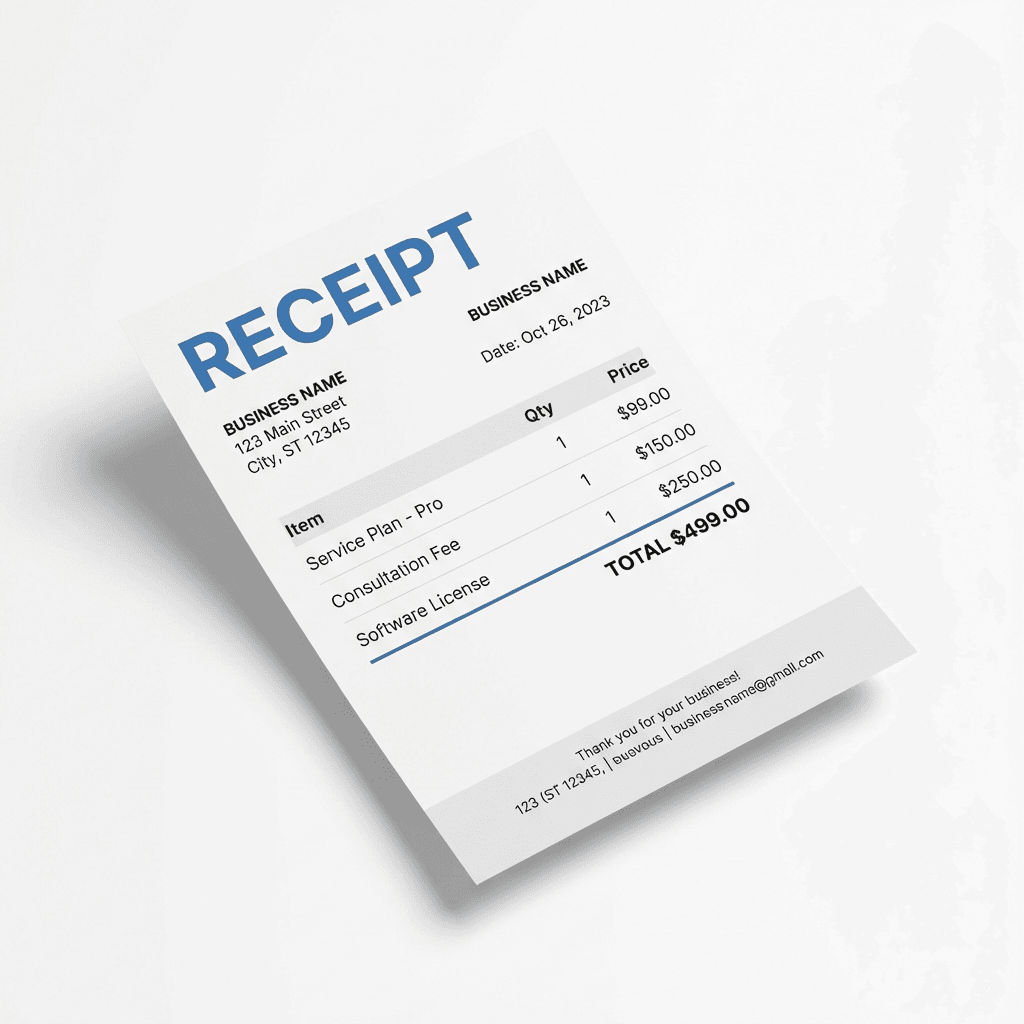
- Every receipt must include: business name, date, receipt number, itemized list, prices, total, and payment method
- Use receipt templates or generators to ensure consistency and professionalism
- Both handwritten and digital receipts are legally valid when they contain required information
- Number receipts sequentially for easy tracking and reference
- Keep copies of all receipts you issue for your own tax and accounting records
Learning how to make a receipt is essential for anyone conducting business, as proper receipts protect both parties and ensure legal compliance. A well-crafted receipt serves as proof of payment and helps with taxes, making it a critical business document.
This guide teaches you how to create a receipt from scratch and what information to include. You'll learn the best methods for generating professional receipts quickly, and we'll also cover common mistakes to avoid and free tools you can use. For industry-specific needs, try our hotel receipt generator for accommodation records or restaurant receipt generator for dining documentation.
Built for small businesses and freelancers
🎯 Create Your First Professional Receipt
Generate a complete receipt in 30 seconds with all required fields
Why Knowing How to Make a Receipt Matters
Receipts are legal documents that serve multiple critical purposes by providing legal protection for both seller and buyer in case of disputes. If questions arise about payment or purchases, a receipt serves as definitive proof of the transaction.
Tax compliance requires proper documentation for business expenses and income, as the IRS and tax authorities need receipts to verify deductions and income reporting. Your customers need receipts to claim deductions, and you need copies to report income accurately. Note: This information is for general guidance only and not tax advice—consult a tax professional for your specific situation.
Professional credibility depends on providing proper receipts to customers, as clean and detailed receipts make your business appear organized and build trust. Accurate receipts also simplify bookkeeping and help you make better business decisions.
Essential Elements Every Receipt Must Have
A valid receipt needs specific information to be useful and legally acceptable. Here's what every receipt should include to meet professional and legal standards.
1. Business/Seller Information
Include your complete business details at the top of every receipt by adding your business name, street address with city and state, and contact information including phone and email. If applicable, include your tax ID or business registration number for proper documentation.
2. Transaction Date and Time
Always include the exact date of the transaction on your receipt, and add the time if you process multiple daily transactions, as this helps with tracking and record-keeping.
3. Unique Receipt Number
Assign each receipt a unique identifier to help with tracking transactions by using sequential numbers like 001, 002, 003, or date-based codes like 2026-02-001. This system helps you reference specific sales and organize your records efficiently.
4. Customer Information
For larger transactions or business-to-business sales, include customer details such as their name and contact information, which is especially important for service contracts and custom orders.
5. Itemized List of Goods or Services
List each item or service clearly with specific descriptions, including the item name, quantity, unit price, and line total for each purchase. Be specific in your descriptions to avoid confusion later and ensure clarity for both parties.
6. Financial Summary
Break down the money clearly so customers understand what they paid by showing the subtotal, applicable taxes with rates, any discounts applied, and the final total. Make sure all calculations are accurate before finalizing the receipt to maintain professionalism and trust.
7. Payment Method
Document how payment was received on every receipt by noting if it was cash, card, check, or digital payment. For card payments, include only the last 4 digits for security purposes to protect customer information.
Step-by-Step Guide: How to Make a Receipt
Follow these nine steps to create a professional receipt for any transaction. This process works whether you're selling products, providing services, or documenting any other type of payment.
- Choose your receipt creation method: Use an online receipt generator for fast, professional results. You can also download a template, use accounting software, or write receipts by hand.
- Add your business header: Include your business name and complete address at the top. Add your phone number, email, and logo if you have one.
- Enter the transaction date: Record when the transaction occurred with a clear date format. Include the time if you process many daily transactions.
- Assign a unique receipt number: Use sequential numbers like 001, 002, 003 to track each receipt. Or use date-based codes like 2026-02-001 for better organization.
- Add customer information: Include the customer's name and contact details for larger purchases. This is especially important for business sales and service contracts.
- List all items or services: Provide clear descriptions with quantities for each item. Include unit prices and line totals to show the breakdown clearly.
- Calculate the financial summary: Show the subtotal before taxes and any applicable tax rates. Include any discounts applied and display the final total amount paid prominently.
- Document the payment method: Note if payment was cash, card, check, or digital. For cards, show only the last 4 digits, and include check numbers for check payments.
- Add final details and save: Include return policies, warranty information, or a thank you message. Save a copy for your records before giving the original to the customer.
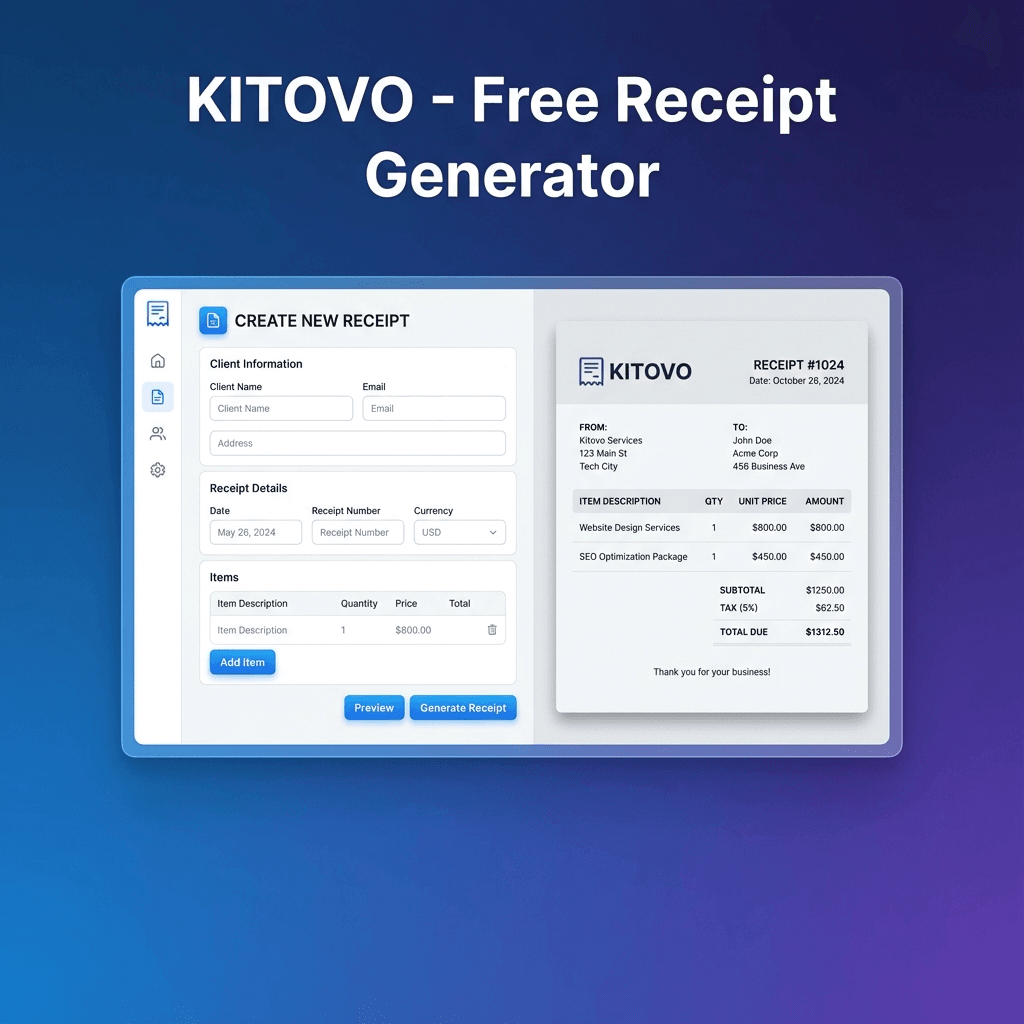
Using a free receipt generator or receipt maker simplifies this entire process. Our tool handles all calculations automatically and ensures you include every required piece of information.
💡 Skip the Manual Work
Let our receipt generator handle all the formatting, calculations, and required fields automatically. Create professional receipts in seconds.
Generate Receipt Now✓ All required fields included ✓ Professional format ✓ Instant download
How to Write a Receipt for Cash Payment
If you're documenting a cash transaction, include a clear PAID IN CASH note and write the amount in both numbers and words. This reduces disputes and makes the record easier to verify later.
Use our dedicated cash payment receipt guide for full legal and documentation best practices. You can also generate a ready-to-use proof of payment template instantly.
How to Make a Receipt for Small Business
Small businesses should use a consistent format with sequential receipt numbers, itemized lines, tax breakdowns, and a payment method field. Consistency improves bookkeeping, customer support, and tax readiness.
For specialized formats, start with our sales receipt template, itemized receipt template, or service receipt template.
Making Different Types of Receipts
How to Make a Sales Receipt
For retail and product sales, use our sales receipt template for professional formatting that includes fields for product SKUs, detailed descriptions, and tax breakdowns by category. Add your return policy notice at the bottom to inform customers of their options and protect your business from disputes.
How to Make a Service Receipt
For service providers, contractors, and freelancers, use our service receipt template designed specifically for services and formatted for hourly or flat-rate services. It includes sections for labor and materials breakdown with service dates and completion details to provide complete documentation.
How to Make a Rent Receipt
Landlords should use our rent receipt generator to create proper documentation that includes the rental property address, rental period covered, and both landlord and tenant names. Show the amount received and any remaining balance if applicable to maintain clear records.
How to Make a Cash Receipt
Cash transactions need extra documentation since there's no bank record, so use our cash receipt template to ensure proper documentation. Include a clear "PAID IN CASH" notation and show the amount in both words and numbers for added verification and security.
Common Mistakes to Avoid
Avoid these common errors when making receipts to maintain professionalism and legal compliance, as these mistakes can damage your credibility or cause problems during tax audits.
Security mistakes include never including full credit card numbers on receipts—show only the last four digits to protect customer information. Don't include Social Security numbers or other sensitive personal information unless legally required for specific transactions.
Missing information is another common problem, so always include tax information when you're required to collect sales tax. Use specific descriptions instead of vague terms like "miscellaneous," and never forget to date receipts or assign unique receipt numbers for proper tracking.
Legal violations are serious issues to avoid, so never create receipts for transactions that didn't actually occur, as this constitutes fraud. Research and follow your local legal requirements for what must appear on receipts to ensure compliance with regulations.
Poor organization can cause long-term problems, so always keep copies of all receipts you issue for tax purposes and dispute resolution. Use consistent formatting across all your receipts to maintain a professional appearance and make record-keeping easier.
Using Receipt Generators vs. Manual Methods
Online Receipt Generators (Recommended)
The Fastest & Most Professional Option
Our free receipt generator offers professional templates, automatic calculations, PDF and image downloads, no signup required, offline functionality, and mobile-friendly design. This tool ensures accuracy and saves time while maintaining a professional appearance for all your receipts.
Try Receipt GeneratorProfessional results in 30 seconds • No technical skills needed
Handwritten Receipts
While valid, handwritten receipts have drawbacks including a less professional appearance, being prone to errors, harder to read and store, no automatic calculations, and being time-consuming to create. For these reasons, we recommend using digital tools whenever possible to maintain professionalism and accuracy.
Receipt Format Examples
Here's a simple text format for reference:
========================================
         YOUR BUSINESS NAME
         123 Main Street
        City, State 12345
         (555) 123-4567
========================================

Date: January 18, 2026
Receipt #: 2026-001

Customer: John Smith

----------------------------------------
Description          Qty    Price
----------------------------------------
Product A             2    $25.00
Service B             1    $50.00
----------------------------------------
                  Subtotal: $100.00
                  Tax (8%):   $8.00
                  ---------------
                  TOTAL:    $108.00

Payment Method: Cash

Thank you for your business!
========================================
Legal Considerations
Be aware of receipt requirements in your jurisdiction to ensure compliance with local laws and regulations. If you're registered for sales tax, receipts must show tax collected to meet legal requirements. Keep receipt copies for the required number of years (typically 5-7) for tax and audit purposes.
Some jurisdictions require receipts for all transactions above certain amounts to protect consumers and ensure proper tax collection. Certain industries have specific receipt requirements, so research the regulations that apply to your business type to avoid penalties and maintain compliance.
Frequently Asked Questions
How do I make a receipt for a sale?
To make a receipt for a sale: 1) Include your business name and contact info, 2) Add the date and unique receipt number, 3) List all items sold with descriptions and prices, 4) Calculate subtotal, taxes, and total, 5) Note the payment method, 6) Provide your signature or stamp if required. Use our free receipt generator for professional results.
What should be included on a receipt?
A complete receipt must include: seller's business name and address, date of transaction, receipt number, itemized list of goods/services, unit prices and quantities, subtotal, applicable taxes, total amount paid, and payment method.
Can I make my own receipt?
Yes, you can create your own receipts for any legitimate transaction. As a business owner, landlord, freelancer, or service provider, you have the right to issue receipts. Use professional templates or receipt generators to ensure all required information is included.
Is a handwritten receipt valid?
Yes, handwritten receipts are legally valid as long as they contain all essential information: date, parties involved, items/services, amounts, and payment confirmation. However, printed or digital receipts look more professional and are easier to read and store.
Conclusion
Learning how to make a receipt is an essential business skill that protects you legally, ensures tax compliance, and maintains your professional reputation with customers. By following the nine steps in this guide, you can create receipts that include all necessary information and serve as reliable documentation for all parties involved.
Remember the key elements every receipt needs: business information, transaction date, unique receipt number, itemized list, clear financial breakdown, and payment method. Use an online receipt maker or template for the best results, as consistency and completeness matter most for professional documentation that stands up to scrutiny.
Ready to Create Professional Receipts?
Create professional receipts in seconds — free, no signup, and built privately in your browser
Create professional receipts in seconds with all required fields automatically included.
For specific transaction types, explore our specialized templates designed for different business needs: Sales Receipt Template for retail and product sales, Service Receipt Template for contractors and service providers, Rent Receipt Template for landlords and property managers, and Cash Receipt Template for cash transactions.
Learn more about receipt best practices in our related articles on what is a receipt and receipt examples and samples to see real-world examples and understand proper receipt documentation.
Kitovo
Part of the Kitovo team, dedicated to helping you create professional receipts and manage your documentation needs.
Share this article
Related Articles
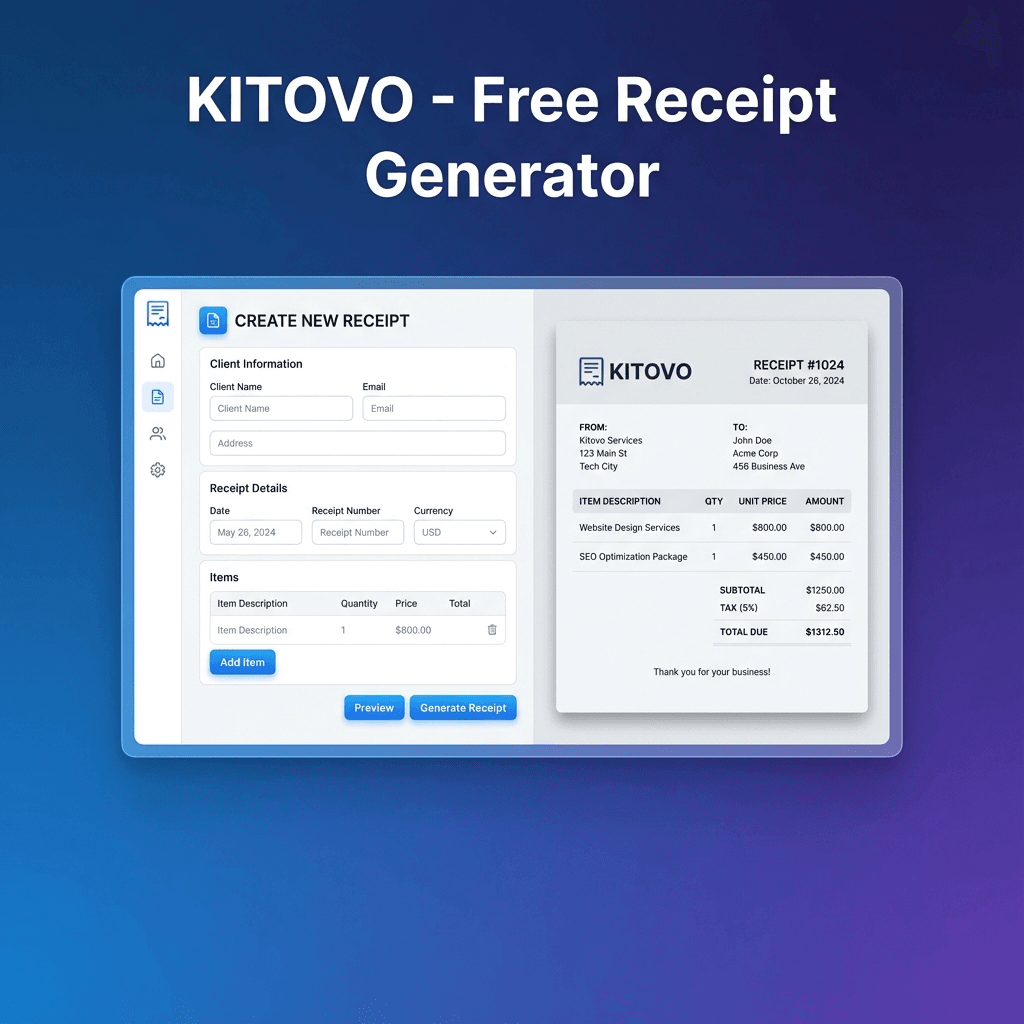
Receipt Examples & Samples for Every Situation
Browse real-world receipt examples and downloadable templates for various business scenarios.
Read article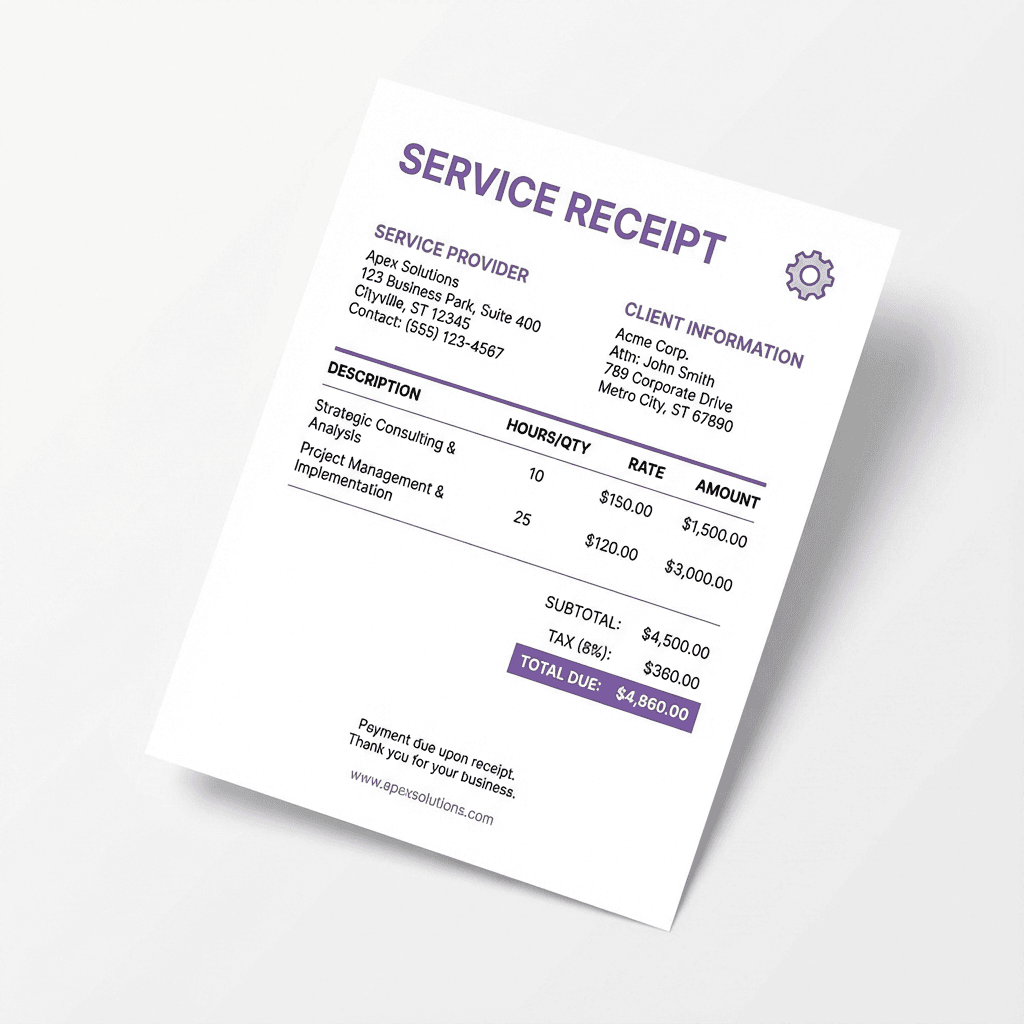
How to Write a Receipt for Services Rendered
Complete guide for freelancers and contractors on creating professional service receipts.
Read article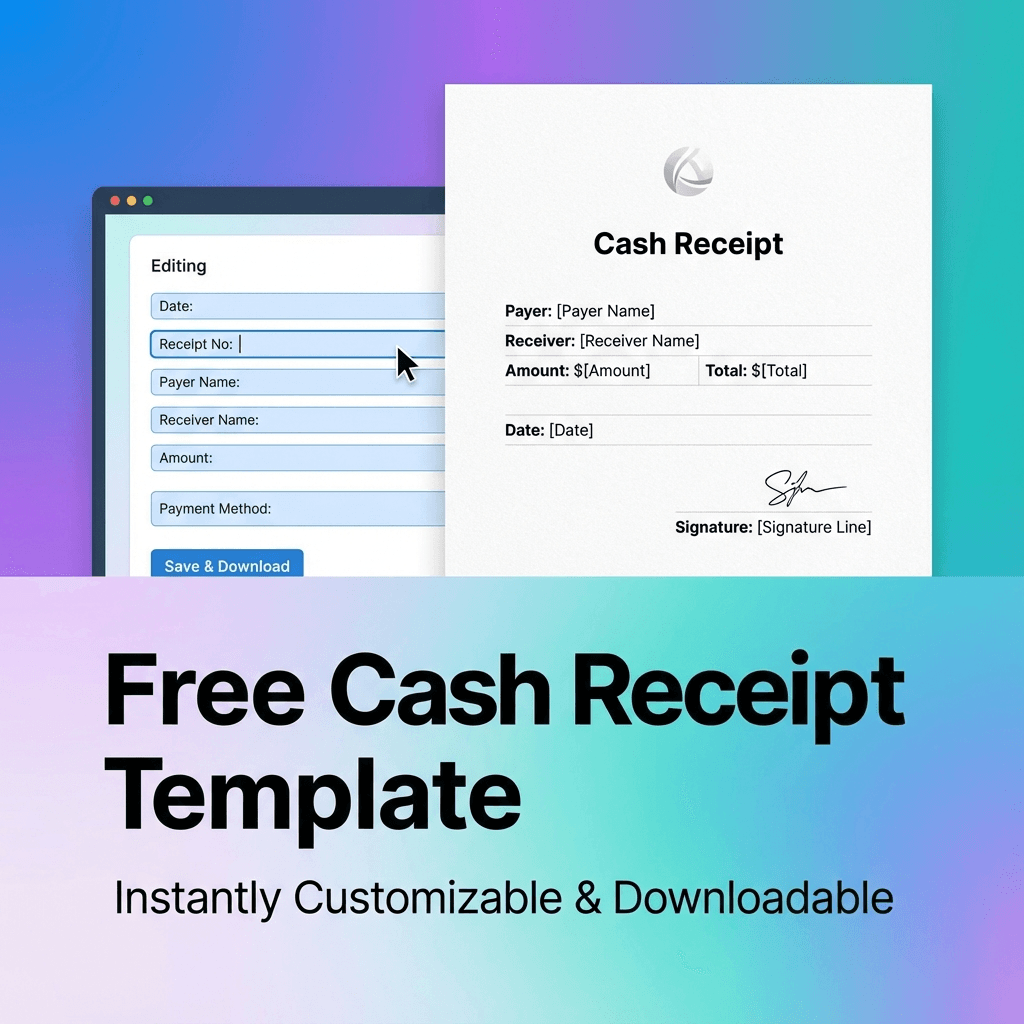
How to Get a Receipt for Cash Payment
Guide to obtaining and creating receipts for cash transactions. Protect yourself with proper documentation.
Read articleReady to Create Your Receipt?
Use our free receipt generator to create professional receipts in seconds. No signup required.